

In order to fetch data from WOW's API, you need to enroll to API Management and obtain a subscription key. First, you need to sign up or log in:
Click Sign In in the top right.
If you have an account, enter your username and password to login. If not, click “Not a member yet? Sign up” link and register.
In order to get a key, you first need to subscribe to public API. This is done through Products menu. Click Products.
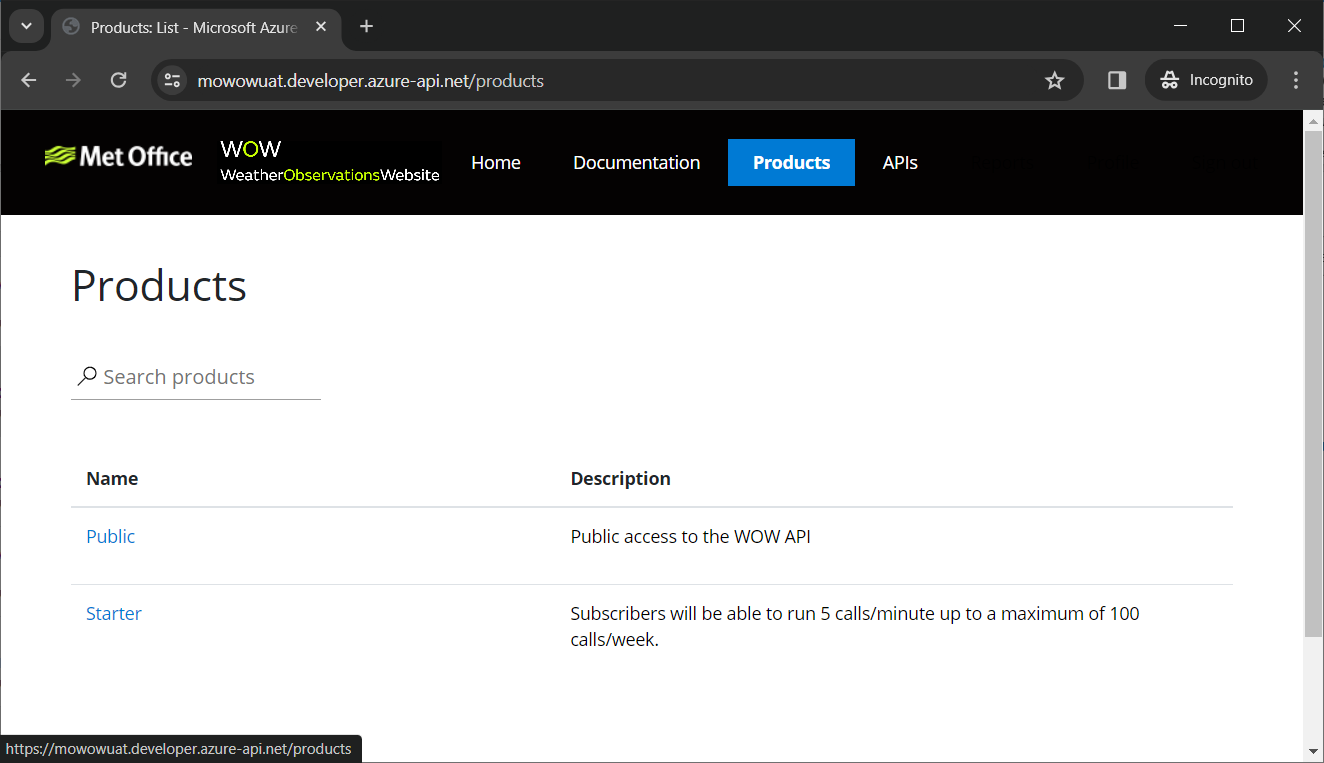
To subscribe to Public API, click Public product and then click Subscribe.
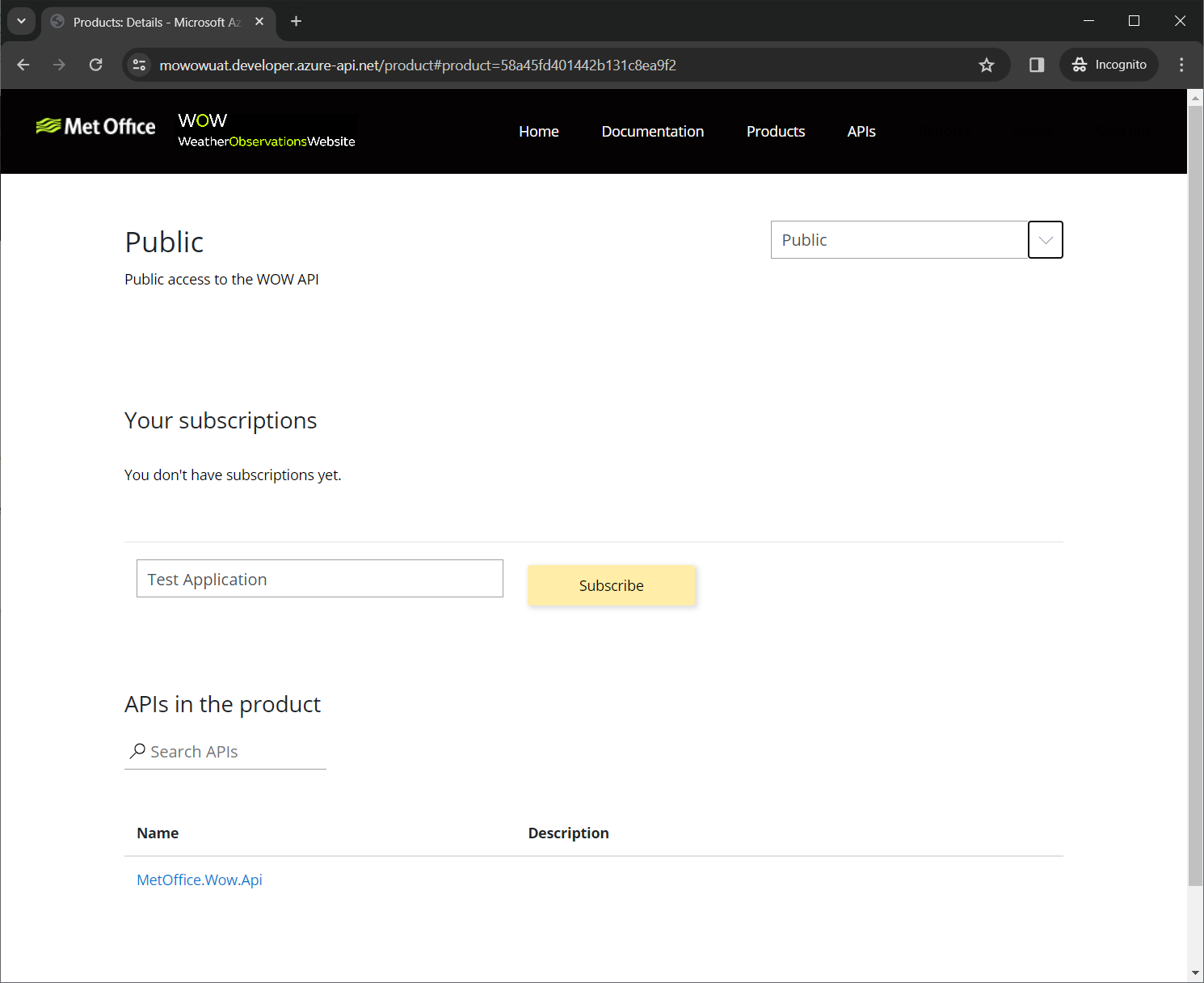
When you click Subscribe, the subscription request is sent to MetOffice for review and you will receive an e-mail on the subject. You can see the state of your subscription in your profile. To see it, click your name on the right top and select Profile.
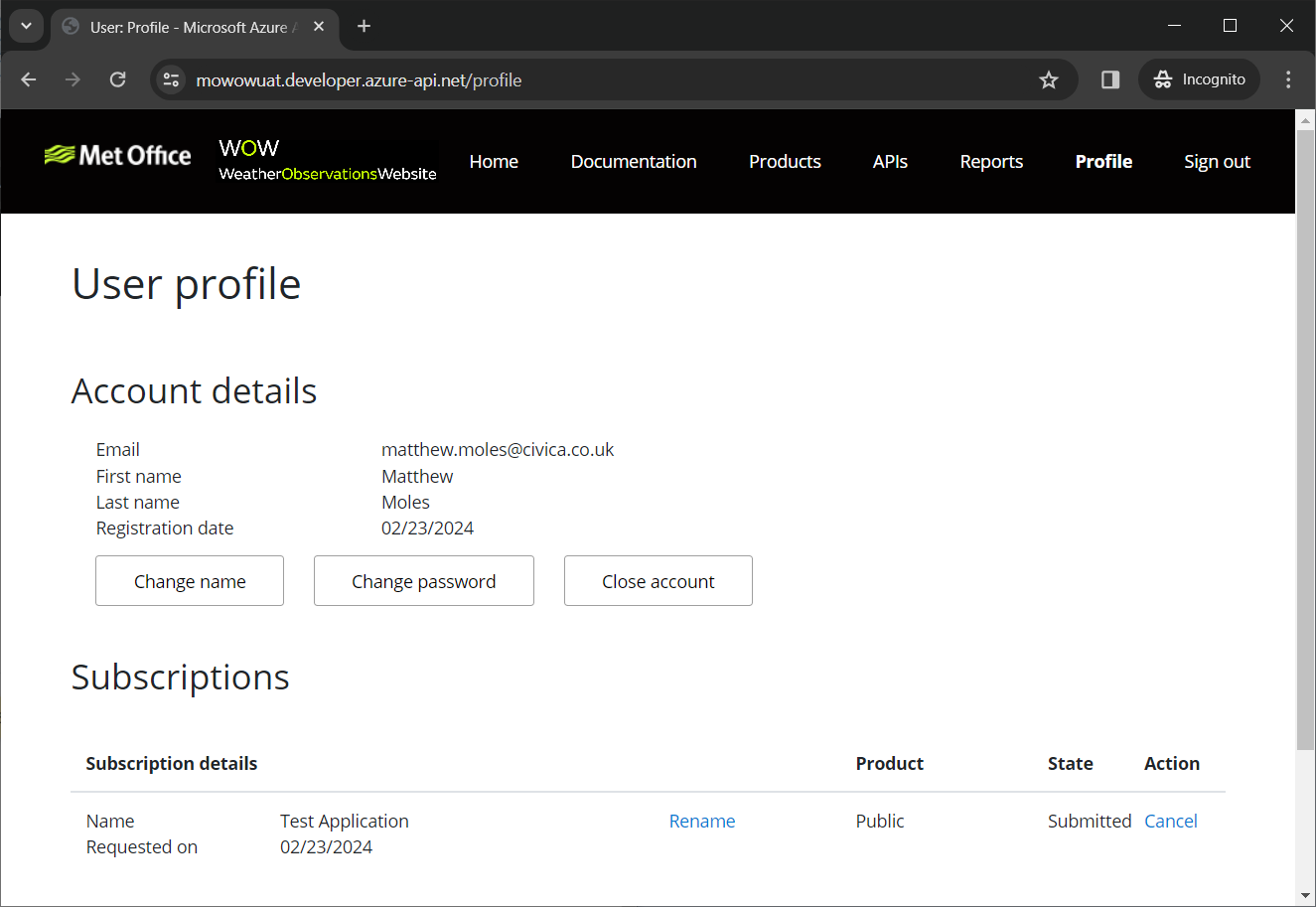
You can see that state is Submitted. When MetOffice confirms your request, you will be notified via e-mail. After that, you can visit your profile page again to get your subscription key.
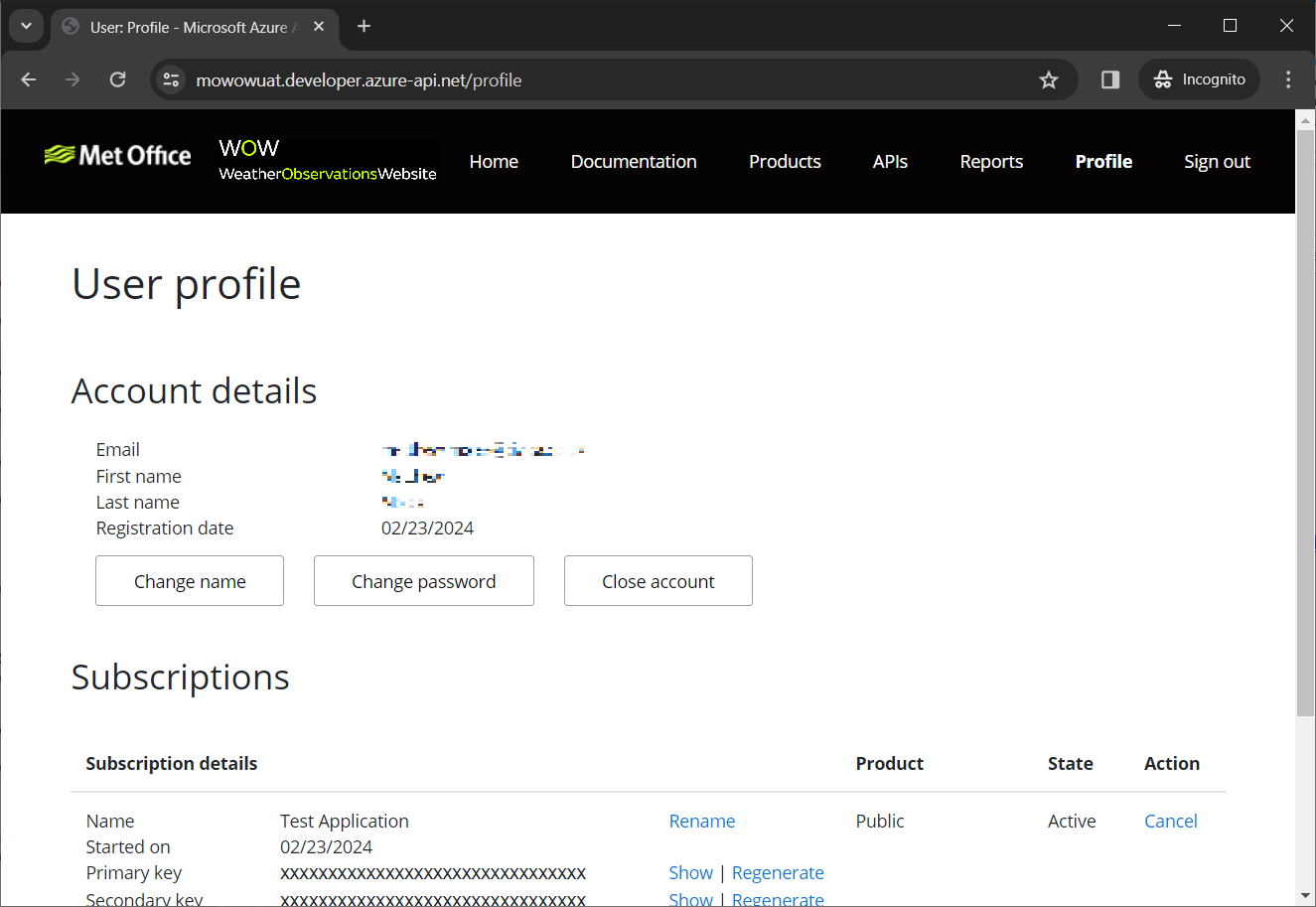
In this page, you can see your subscription keys. If you wish to change them, you can click Regenerate to obtain new ones, invalidating the previous ones. You can cancel your subscription, change your password or register an application in this screen.
Via Analytics Reports link, you can see your usage, activity and request health status in detail.
If you are having problems with MetOffice WOW API, please contact support at enquiries@metoffice.gov.uk
Powered by Azure API Management.